


Bring Your Own Cloud
By default, apps run on Reflex's infrastructure. On the Enterprise plan, you can connect your organization's own cloud account instead, so apps run on infrastructure you control and are billed directly by your provider. This is often required by security, procurement, or data-residency policies.
You connect a cloud account once from Cloud Providers in the organization sidebar. The whole organization can then deploy to it.
Supported managed provider
The organization-managed connection on this page currently supports Google Cloud. AWS and Azure cannot be connected from Cloud Providers yet.
Connecting Google Cloud
Connecting Google Cloud takes two steps:
- Run the setup. Reflex provides a script that prepares your Google Cloud project and creates the credentials it needs. Select Copy agent setup to copy a prompt you can hand to an AI coding agent to run the steps for you.
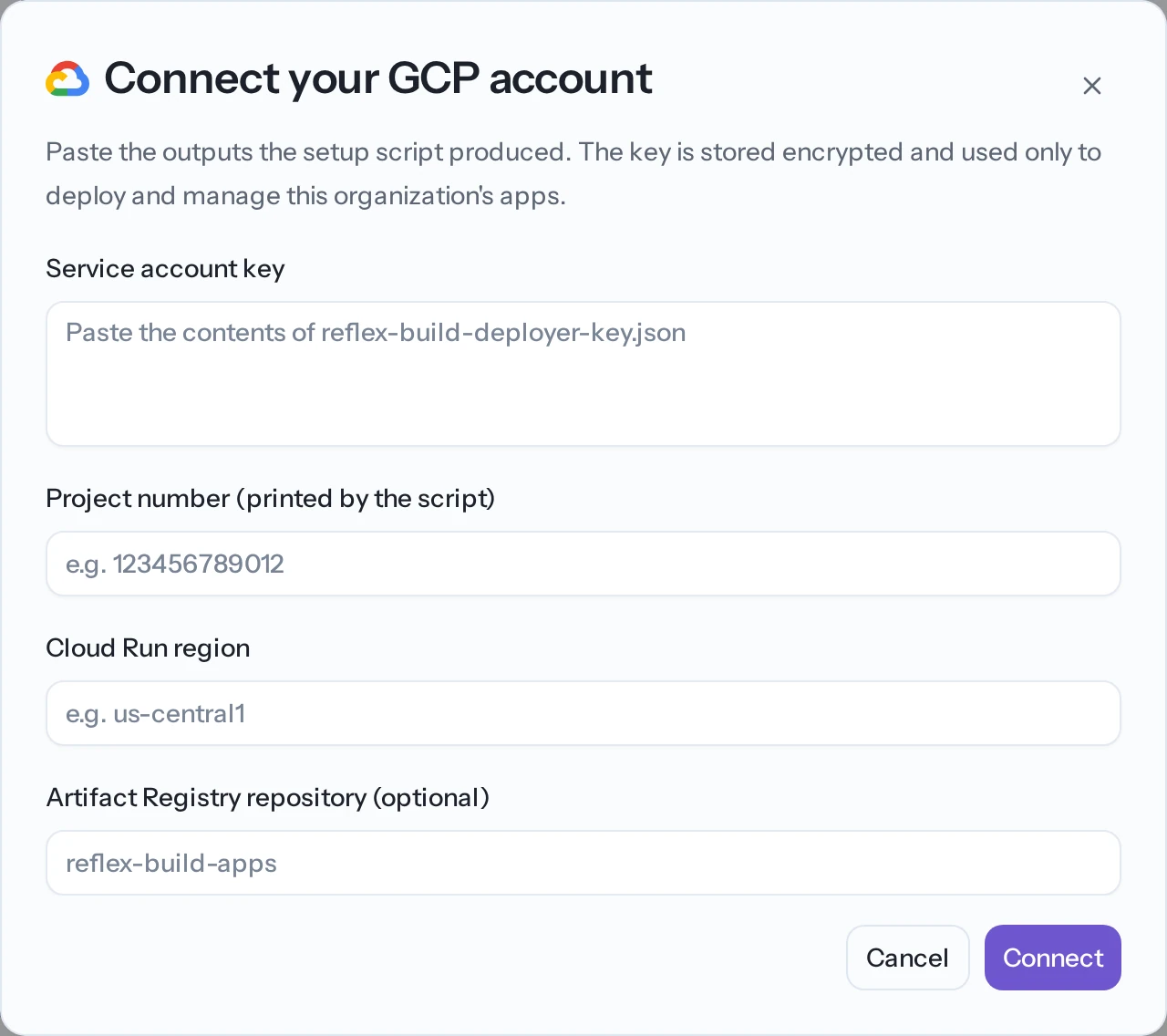
- Enter the details. Select Connect GCP and paste the values the setup produced:
- the service account key (the contents of the key file),
- the project number,
- the Cloud Run region where apps should run, and
- optionally, an Artifact Registry repository name.
Reflex validates the details and marks the provider connected.
Once connected, the tab shows the account's status, project, region, and repository.
Removing a connection
To disconnect, open the connected provider and select Remove connection. Two effects:
- New deployments to that cloud fail until an admin reconnects an account.
- Apps already running there keep running, but Reflex can't manage them.
Deploying to your own cloud
Connecting an account here lets your organization's apps target managed GCP. For self-service cloud deployment and a detailed GCP walkthrough, see:
- Bring Your Own Cloud — deploying to AWS, GCP, or Azure from the command line.
- Deploy to GCP Cloud Run — a detailed Google Cloud walkthrough.
Workload isolation and namespaces
Each organization's apps run in their own isolated space on the underlying infrastructure, separate from other organizations. With bring-your-own-cloud, that isolation is inside your account.
This separation is called a namespace. Reflex sets it up and manages it; you don't configure it yourself. Enterprise customers with specific isolation requirements can discuss custom arrangements with the Reflex team.
Related
- Roles & permissions — who can manage organization settings.